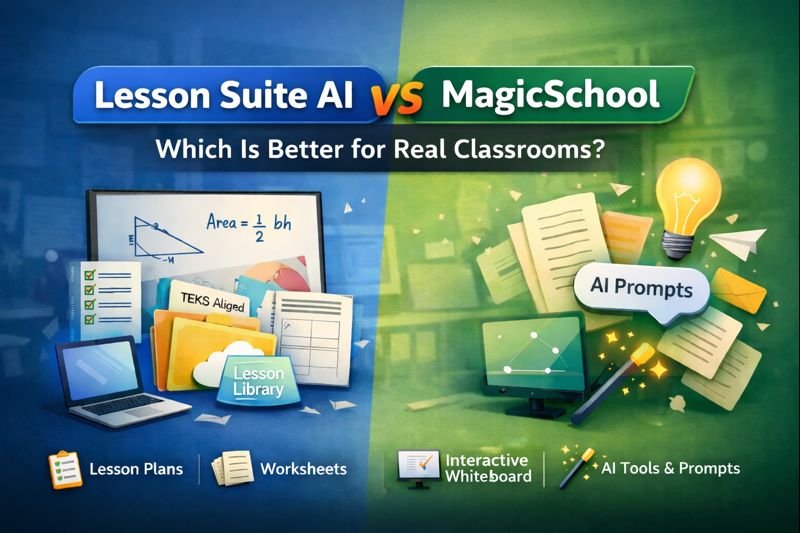
Lesson Suite AI vs MagicSchool: Which Is Better for Real Classrooms?
AI tools for teachers are everywhere right now. Two names that often come up are Lesson Suite AI and MagicSchool. On the surface, both promise to save teachers time, reduce burnout, and make lesson planning easier. But once you actually use them in a real classroom, the differences become much clearer.
This comparison isn’t about hype. It’s about how these tools actually function in day-to-day teaching — lesson planning, material reuse, and live instruction.
If you’re deciding between Lesson Suite AI and MagicSchool, this guide will help you choose the one that fits how you really teach.
Quick Overview
Lesson Suite AI
Lesson Suite AI is designed as an end-to-end teaching workflow platform. It combines lesson planning, worksheets, Google Forms and Slides, a lesson material library, and an integrated interactive whiteboard in one place.
MagicSchool
MagicSchool is designed as a prompt-based AI assistant with a large collection of standalone tools for specific teaching tasks.
Both tools are useful — but they serve very different teaching styles.
Core Difference: Workflow vs Prompts
Lesson Suite AI: Built Around Teaching Flow
Lesson Suite AI focuses on the entire instructional process, not just content generation.
A typical workflow looks like this:
• Upload or reference existing instructional materials
• Create a standards-aligned lesson plan
• Generate worksheets, Google Forms, or Slides from that lesson
• Bring everything into an interactive whiteboard for live teaching
The key idea is connection. Lessons, materials, and instruction all work together.
MagicSchool: Built Around Individual Tools
MagicSchool offers many individual AI tools, each designed to solve a specific problem:
• Writing prompts
• Exit tickets
• Rubrics
• Parent emails
• Brainstorming support
Teachers typically use these tools one at a time, copying and pasting results into other platforms.
Lesson Planning Comparison
Lesson Suite AI
Lesson Suite AI creates structured lesson plans and supports standards-aligned planning, including TEKS use cases. Lessons can generate worksheets, Forms, Slides, and whiteboard-ready instruction. Lessons and materials are saved and reusable, reducing repeated work over time.
MagicSchool
MagicSchool helps generate parts of a lesson and is strong for brainstorming and quick writing tasks. It places less emphasis on structured, reusable lesson plans, and outputs often need manual organization afterward.
Lesson Material Library and Reuse
Lesson Suite AI: Centralized Lesson Material Library
Lesson Suite AI allows teachers to upload and store instructional materials such as PDFs, documents, reading passages, and lesson resources. These materials can be used during lesson creation and integrated directly into the interactive whiteboard for live teaching.
This makes it easier to reuse years of existing content instead of starting from scratch.
MagicSchool: No Central Material Library
MagicSchool does not currently include an integrated library for uploading and reusing instructional materials as connected lesson assets. Materials often need to be recreated or pasted into prompts each time.
Worksheets, Forms, and Slides
Lesson Suite AI
Lesson Suite AI can generate worksheets directly from lesson plans and automatically create Google Forms and Google Slides. Materials remain connected to the original lesson, helping maintain consistency.
MagicSchool
MagicSchool can generate worksheet content and ideas, but often requires manual copying, formatting, and organizing afterward.
The Whiteboard Factor
This is where Lesson Suite AI pulls ahead in real classrooms.
Lesson Suite AI allows teachers to bring lesson plans and uploaded instructional materials directly into an interactive whiteboard. Lessons, worksheets, questions, and teacher-created resources can all be used during live instruction.
MagicSchool does not include an interactive whiteboard, so content must be moved into other tools before teaching.
For teachers who rely on live modeling and visual instruction, this difference matters.
Ease of Use
Lesson Suite AI
Fewer tools with deeper integration. There is a small learning curve, but time savings grow significantly as lessons and materials are reused.
MagicSchool
Very quick to start with many tools. Best suited for one-off outputs and experimentation.
Time Savings: Short-Term vs Long-Term
MagicSchool saves time immediately on small tasks. Lesson Suite AI tends to save more time over weeks and months because lessons, materials, and whiteboards are connected and reusable.
Which One Should You Choose?
Choose Lesson Suite AI if you want lesson planning, materials, and teaching tools in one place, already have lesson resources you want to reuse, teach the same content multiple times, and regularly use interactive whiteboards.
Choose MagicSchool if you want lots of quick AI tools, already have strong lesson systems, and mainly need help with writing or idea generation.
Final Verdict
MagicSchool works well as a fast, flexible AI assistant. Lesson Suite AI works as a classroom-ready teaching system.
If you want AI to help you plan, organize, reuse materials, and teach — not just generate text — Lesson Suite AI offers a more complete workflow for real classrooms.
Want to See Lesson Suite AI in Action?
Explore how lesson planning, material libraries, worksheets, Forms, Slides, and interactive whiteboards work together in one platform — without juggling tools or redoing work.
See how Lesson Suite AI works: