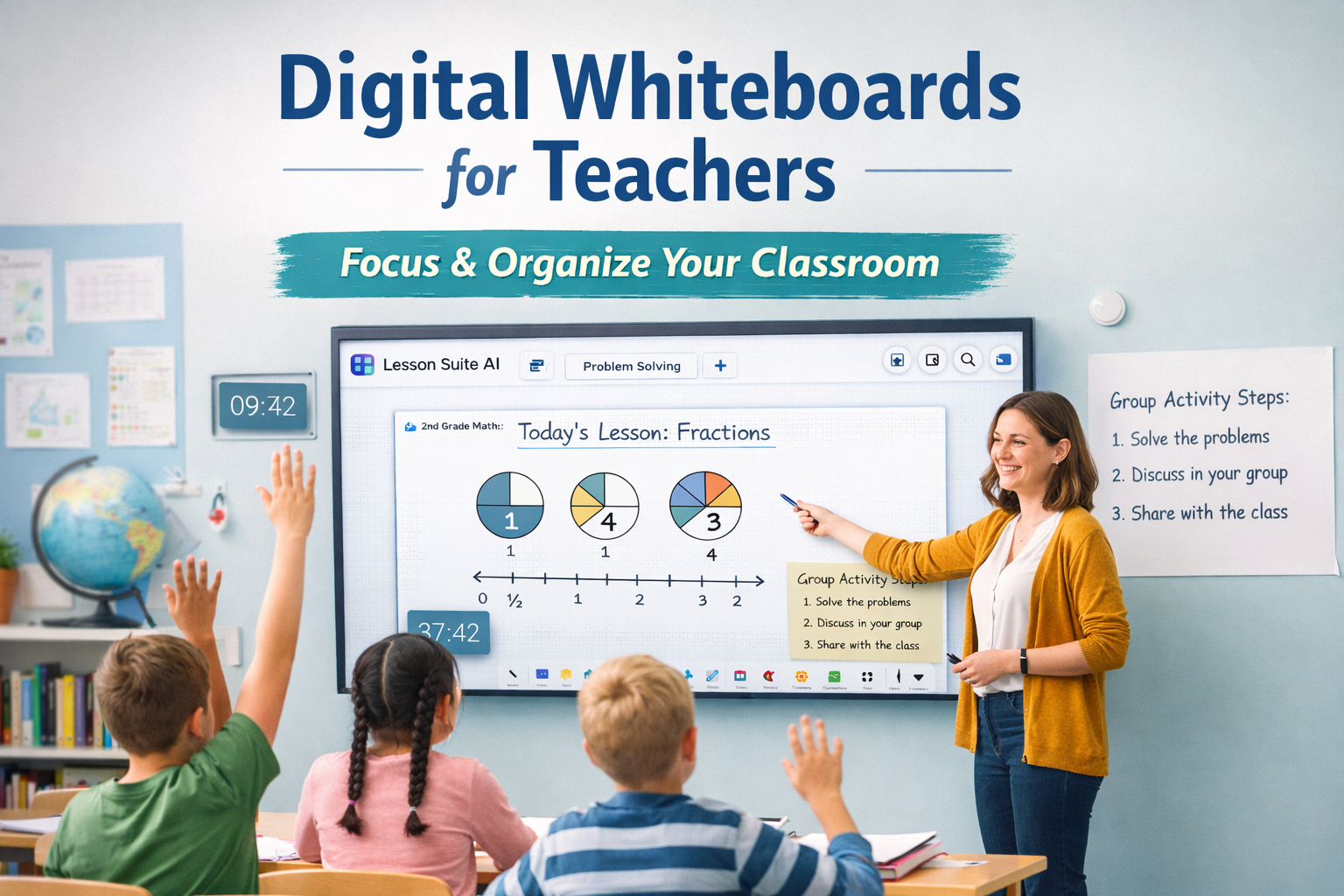
Digital Whiteboards for Teachers: How Modern Classrooms Stay Focused and Organized
Walk into almost any classroom today and you’ll see it immediately — students watching the front of the room, directions displayed visually, timers counting down, and lessons unfolding in real time.
Digital whiteboards have quietly become one of the most important tools in modern classrooms. Not because they’re flashy, but because they help teachers do something essential: keep students focused while instruction keeps moving.
As classrooms grow more complex, teachers are leaning on digital whiteboards to bring clarity, structure, and flow to the learning environment.
Why Focus and Organization Matter More Than Ever
Teaching has always required multitasking, but today’s classrooms demand more coordination than ever before.
Teachers are managing:
• Instruction
• Transitions
• Student attention
• Classroom routines
• Visual support
All at the same time.
When students aren’t sure where to look or what’s happening next, learning suffers. Digital whiteboards help anchor attention by keeping everything visible, predictable, and organized.
What Digital Whiteboards Actually Do for Teachers
At their core, digital whiteboards give teachers a shared visual space.
They allow teachers to:
• Display lesson content
• Model thinking and problem-solving
• Show directions clearly
• Adjust instruction on the fly
• Support visual learners
Instead of repeating instructions or redirecting attention, teachers can point, explain, and adapt in real time.
That visual consistency helps classrooms run more smoothly.
From Simple Displays to Classroom Flow Tools
Early digital whiteboard tools focused on basic classroom management — timers, noise meters, and visual cues. Tools like ClassroomScreen became popular because they helped bring order and routine into busy classrooms.
But as teachers grew more comfortable using digital tools, expectations changed.
Today’s classrooms don’t just need visual structure. They need tools that support actual teaching, not just management.
Why Integration Makes the Biggest Difference
One of the biggest challenges teachers face is tool overload.
Lesson plans live in one place.
Worksheets live in another.
Whiteboard tools live somewhere else.
Switching between systems costs time and attention — for both teachers and students.
Modern digital whiteboards work best when they’re connected to instruction. When lesson content, materials, and live teaching happen in one space, transitions feel smoother and students stay engaged longer.
How Teachers Use Digital Whiteboards During Instruction
In real classrooms, digital whiteboards are used for much more than displaying content.
Teachers rely on them to:
• Walk through examples step by step
• Annotate text or problems live
• Pause and adjust based on student questions
• Reinforce key ideas visually
• Guide independent or group work
The whiteboard becomes the center of instruction, not just a backdrop.
The Shift Toward Teaching Systems, Not Just Tools
As classrooms evolve, many teachers are moving away from standalone tools and toward connected teaching systems.
Instead of managing:
• A lesson planner
• A separate whiteboard
• Separate classroom visuals
They want one workflow that supports planning and teaching together.
Platforms like Lesson Suite AI build on the idea of classroom structure by connecting lesson planning, instructional materials, and interactive whiteboards in one place.
Lessons don’t stop at planning — they show up during instruction.
You can see how this connected approach works here:
https://lessonsuiteai.com/how-it-works
Why This Matters for Teacher Well-Being
Focus and organization don’t just help students — they help teachers too.
When classrooms run smoothly:
• Transitions take less time
• Behavior issues decrease
• Instruction feels more intentional
• Teachers feel less drained
Digital whiteboards reduce mental load by making expectations clear and instruction visible.
That matters in a profession where burnout is real and time is limited.
Final Thoughts
Digital whiteboards aren’t about controlling classrooms. They’re about creating environments where learning can actually happen.
They help teachers guide attention, explain clearly, and keep lessons moving without constant interruptions.
As tools continue to evolve, the digital whiteboards that make the biggest impact won’t be the ones with the most widgets — they’ll be the ones that fit naturally into how teachers plan and teach.
In today’s classrooms, focus and organization aren’t optional.
Digital whiteboards are one of the ways teachers make both possible.